Junior AI Explorers Pack
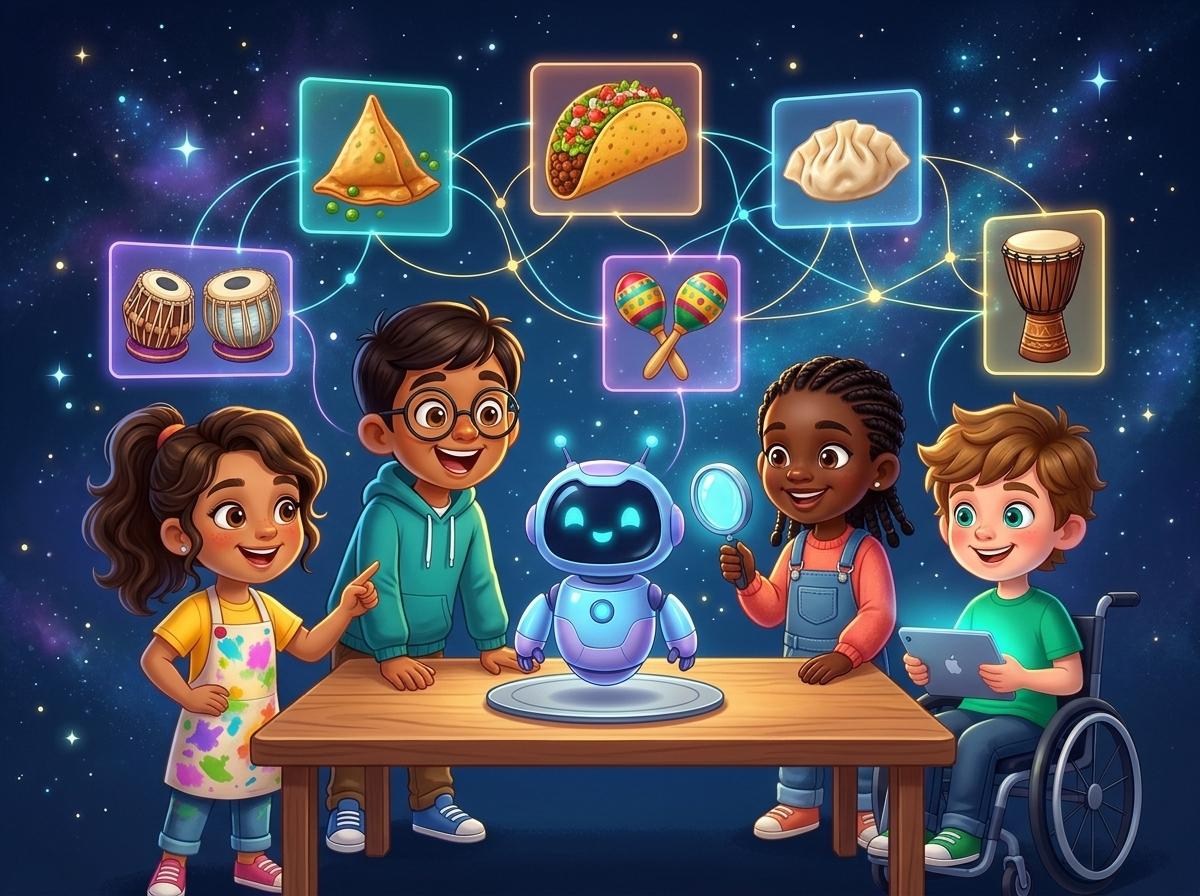
Teach kids ages 7–10 how AI really works through inclusive picture cards, 4 guided story missions, and a real AI model they train themselves in the browser.
- ✓A real in-browser AI classifier kids train themselves (TensorFlow.js MobileNet + a 24-feature visual engine)
- ✓Inclusive picture cards celebrating global foods, instruments, headwear & diverse kids
- ✓Zero coding or setup — unzip and open index.html in Chrome, Safari, Edge or Firefox on a laptop, Chromebook or classroom smartboard
- ✓Includes Live Webcam & Doodle Pad AI Trainer + Printable Junior AI Explorer Certificate
Ages 7–10 · Classroom & Home Edition · Works on Mac, Windows & Chromebook
Live Interactive Preview · Try Before You Buy
Play Mission 1: The World Festival Sorter right now.
Click a picture card in Step 1, drop it into Bleep’s training buckets in Step 2 (or hit ✨ Quick Auto-Train), and test the mystery cards in Step 3 to watch a real in-browser AI classifier compute confidence scores!
Inclusive Visual Storytelling
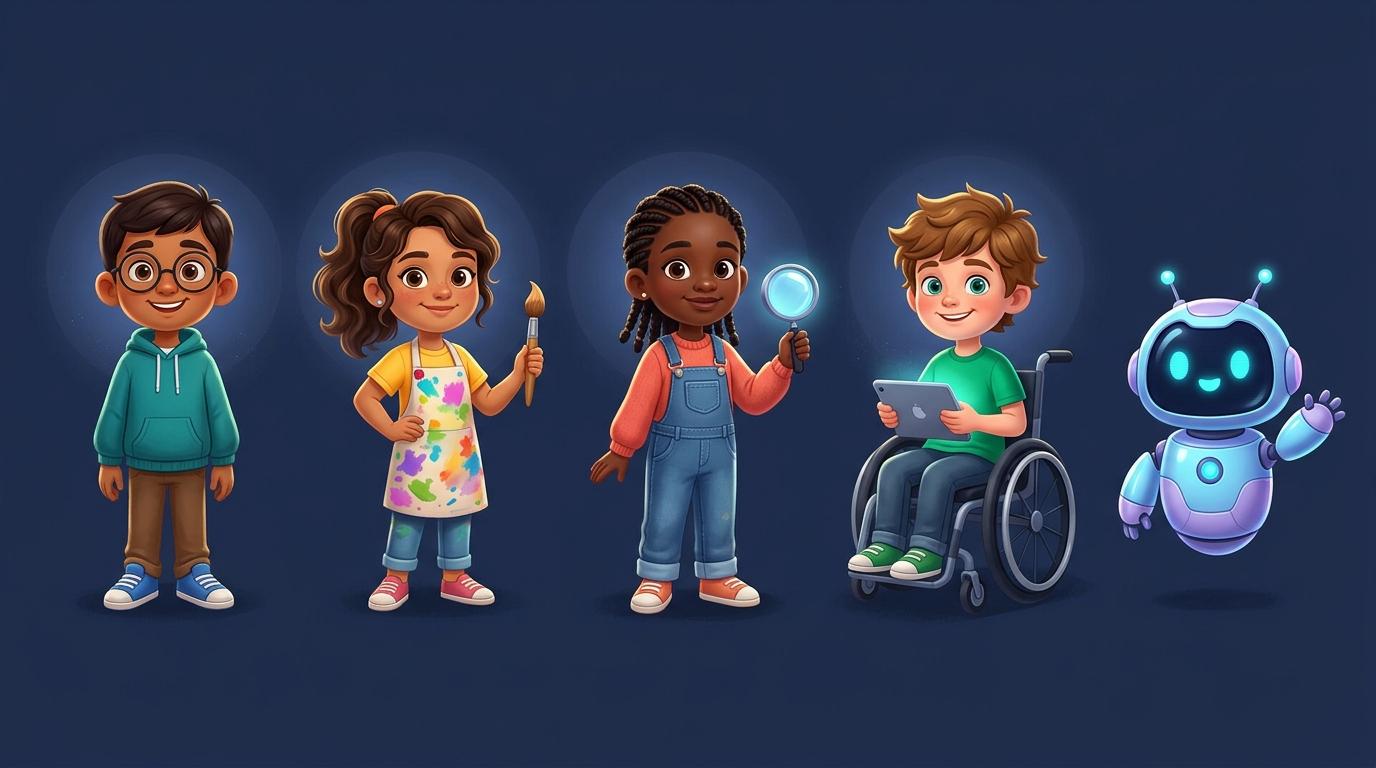
Meet Aarav, Maya, Zuri, Leo & Bleep.
Most AI tutorials use abstract math or one-size-fits-all datasets. We designed the Junior AI Explorers Pack so every child sees themselves and their culture represented—from samosas, tacos, dumplings, and jollof to tabla drums, maracas, djembe drums, hijabs, turbans, and assistive technology.
Spotlight · Mission 03
Teaching Algorithmic Fairness at Age 7–10
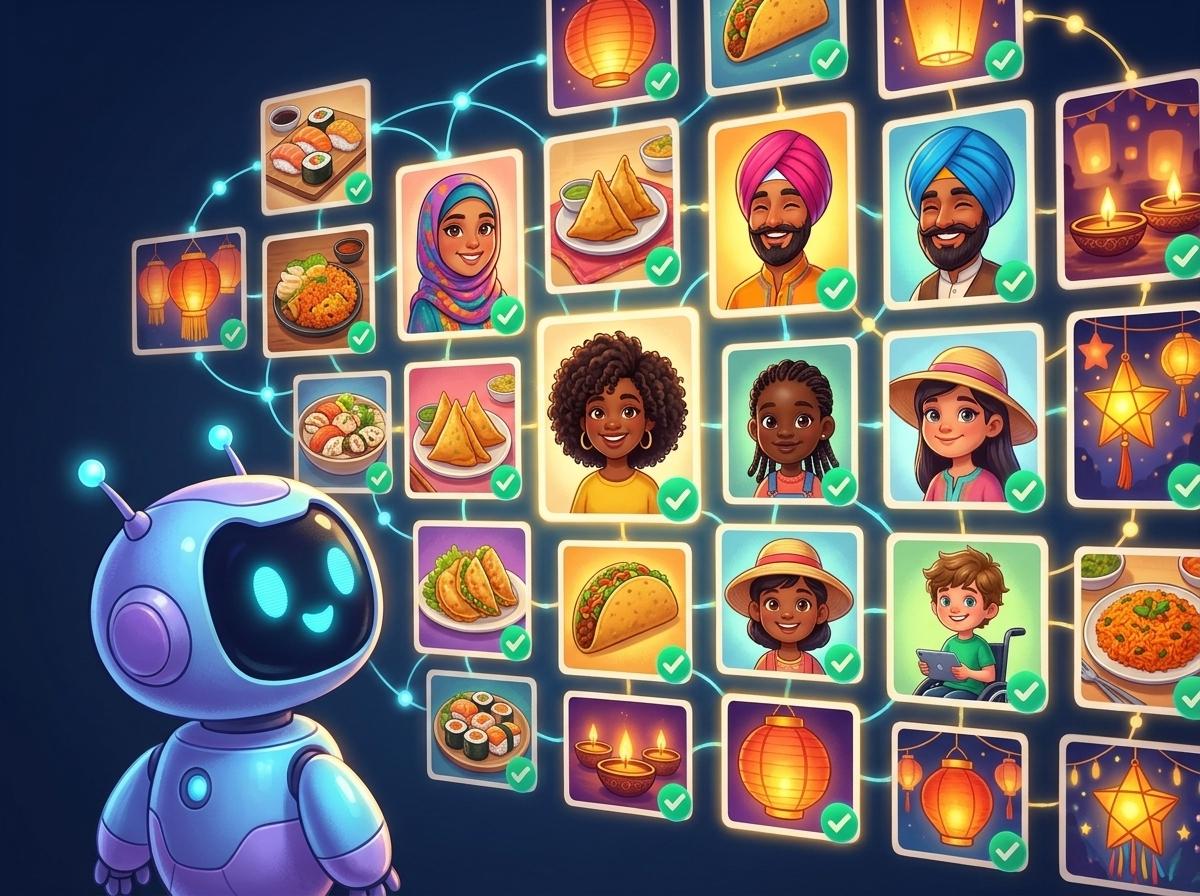
In Mission 3, kids discover that Bleep’s headwear classifier fails when it is only trained on a single baseball cap. By inspecting the dataset and adding diverse headwear cards, students experience first-hand how inclusive data creates fair AI.
4 Guided Missions + Free Play Lab
What kids build and discover
The World Festival Sorter
Core AI Concept: Supervised Learning & Training Data
Help Bleep the robot sort World Foods (Samosa, Taco, Bao Dumpling, Jollof), Musical Instruments (Tabla, Maracas, Djembe), and Festival Lanterns by feeding training picture cards into buckets and watching Bleep's confidence bars change in real time.
How Bleep Sees Shapes & Patterns
Core AI Concept: Visual Feature Extraction
Why did Bleep confuse a sweet round golden Laddu with an orange Basketball? Kids inspect Bleep's color, shape, and edge sensors to see how computers turn pictures into numbers—and fix the training examples so Bleep tells them apart.
Fair & Inclusive AI Detective
Core AI Concept: Dataset Bias & Inclusive AI Ethics
Zuri discovers Bleep's headwear detector only recognizes baseball caps because its training bucket wasn't diverse. Kids balance the dataset with inclusive picture cards (Hijab, Turban, Woven Sunhat) so the model works fairly for everyone.
Doodle Pad & Live Camera Challenge + Free Play Lab
Core AI Concept: Real-World Model Creation
Kids draw their own doodles or switch on the live webcam to train Bleep on real toys, drawings, and hand signs, invent custom buckets in the Free Play Sandbox, and print their personalized C34 Junior AI Explorer Certificate.
Inside the Download
Everything included in your ZIP pack.
No subscriptions, no cloud accounts, and no setup headaches. After payment we email you the ZIP and an Access Code; download once and use it forever at home or in your classroom.
Interactive 4-Mission + Free Play AI App (index.html)
Self-contained browser app. It works offline using its built-in 24-feature visual engine; when you are online it also adds TensorFlow.js MobileNet for sharper recognition.
Inclusive Cultural Picture Card Deck & Art Pack
High-resolution storybook illustrations of Aarav, Maya, Zuri, Leo, and Bleep plus built-in global cultural training & mystery cards.
Teacher & Parent Facilitation Guide
45–60 minute classroom & home lesson plan with discussion prompts on supervised learning, visual features, and algorithmic fairness.
Printable Junior AI Explorer Certificate Generator
Built right into the app so students can type their name and print or save their official C34 Academy PDF certificate.
Complete Downloadable Edition
Junior AI Explorers Pack
One-time purchase · Full ZIP Bundle
Questions before you buy? Email hello@c34ai.com · Covered by our 7-day refund policy
Questions & Answers
Frequently asked by parents & teachers
Do kids or teachers need to install Python or any software?
No! The entire pack runs in any standard web browser (Chrome, Safari, Edge, Firefox). After downloading and unzipping the pack, just double-click index.html to start playing.
Does it use a real AI model or is it just a scripted quiz?
It runs a real mathematical classifier in the browser! Every card, drawing, or webcam snapshot is converted into a 24-dimensional visual feature vector (measuring color histograms, warm/cool ratios, spatial symmetry, and edge energy) alongside TensorFlow.js MobileNet embeddings when online, computing live cosine similarity and softmax confidence scores.
How do I receive the pack after paying?
Simply submit your name and email in the order box on this page. We'll email you our UPI / payment details right away. As soon as you complete the transfer, we send you the complete ZIP file by email plus an Access Code you can enter right on this page to download anytime!
Is the webcam safe? Do my child's pictures leave our device?
The webcam is optional and only turns on when you click Live Webcam and allow camera access. Every picture, drawing and webcam snapshot is processed inside your browser on your own device — the app does not upload them anywhere. Prefer no camera? The Draw Pad does the same job.
What if the pack doesn't work on our computer?
Try Mission 1 free on this page first to check your device. If the downloaded pack is broken or won't run in Chrome, Safari, Edge or Firefox, email hello@c34ai.com within 7 days of purchase. If we can't fix it within 48 hours, you get a 100% refund. See our Refund Policy for details.
Can I use this in my school classroom?
Yes! A single purchase lets you use the pack with your family or across your classroom projectors and student computers.